How do I download resolutions from Delivr?
The goal of this article is to provide a walkthrough of how to export resolutions once you have set up a Pixel and confirmed that it’s sending data properly.
Please see the articles Creating a Pixel in Delivr.ai, Deploying a Pixel to Production Website, and Verifying Pixel is Sending Data if you haven’t already created a Pixel, deployed it, and confirmed that data is flowing.
1. Logging into the Dashboard
Go to the Delivr dashboard: https://app.cdpresolution.com/.
After logging in, you will land on the Dashboard.
2. Exporting Resolutions
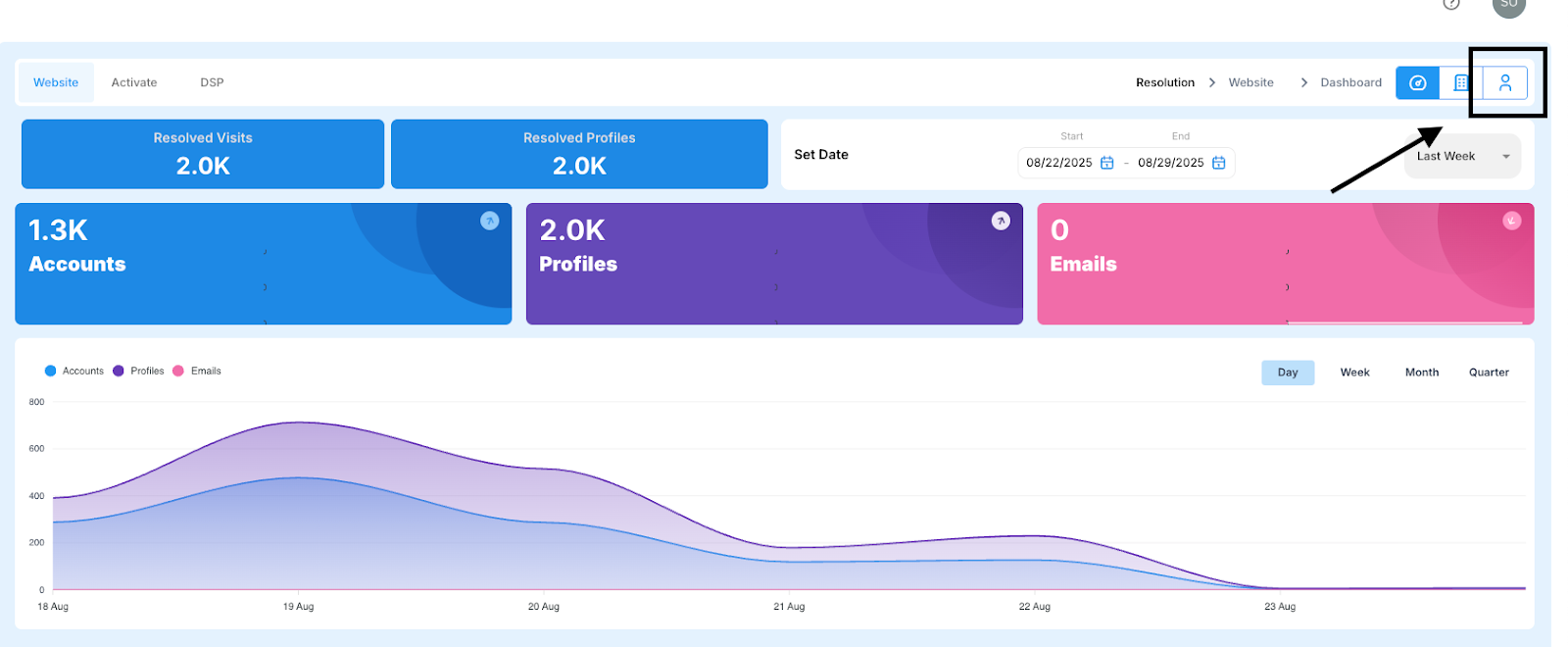
Click on the Person icon to the upper right
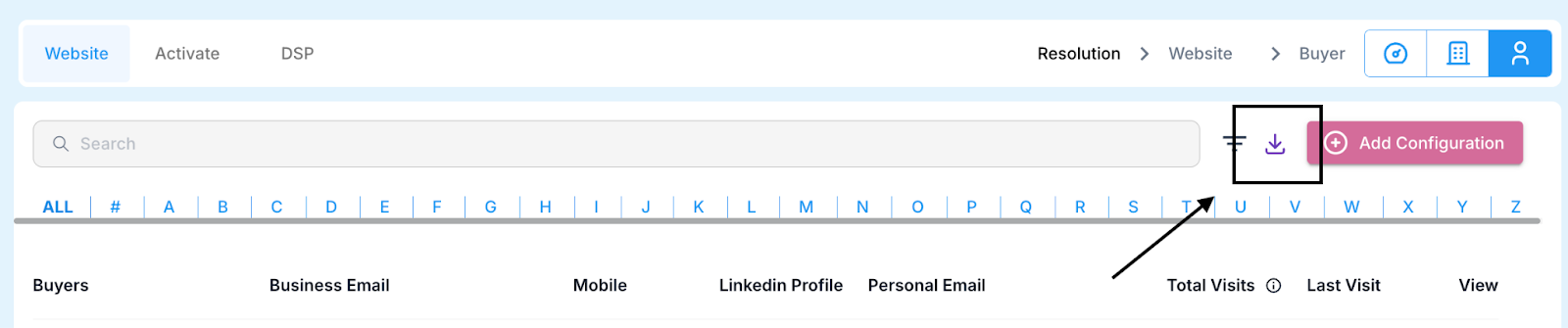
Then click on the Download icon next to Add Configuration
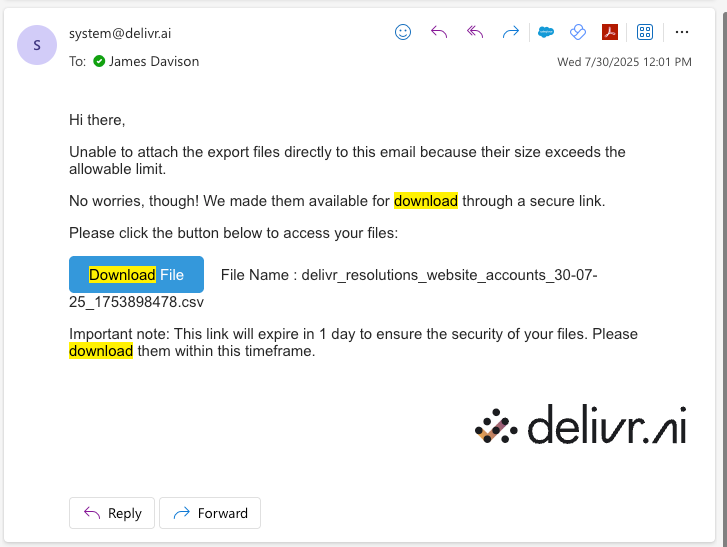
You will receive an e-mail with a CSV attached with the resolutions
Was this helpful?